
myS1 Invoicing
Invoice exactly what your customer agreed to
myS1 Invoicing turns an accepted quote into invoices, tracks every payment and shows each customer what they still owe, so the money agreed is the money collected.
Where myS1 Invoicing meets the record line
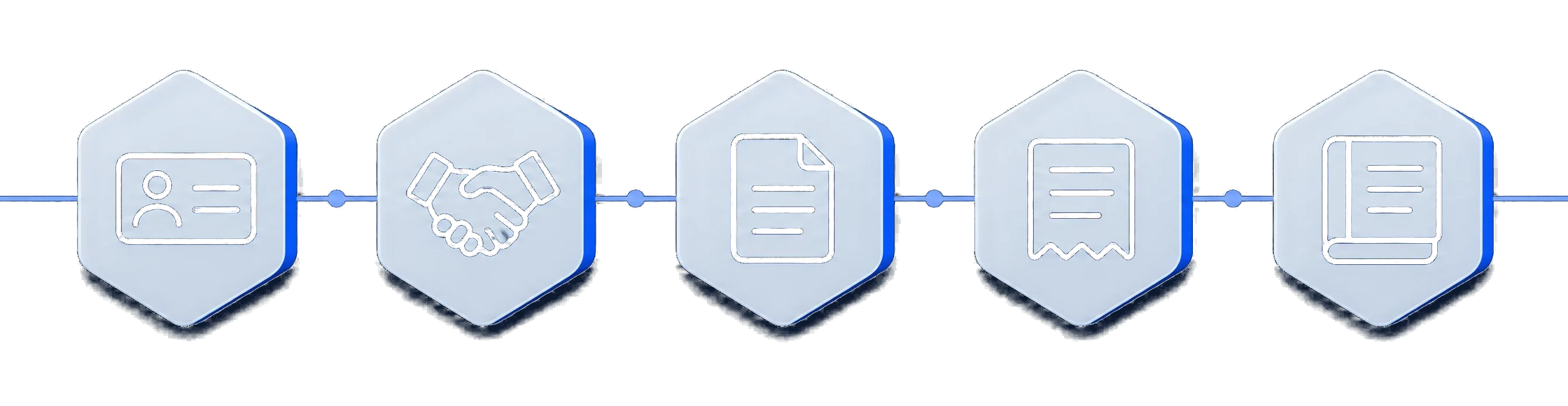
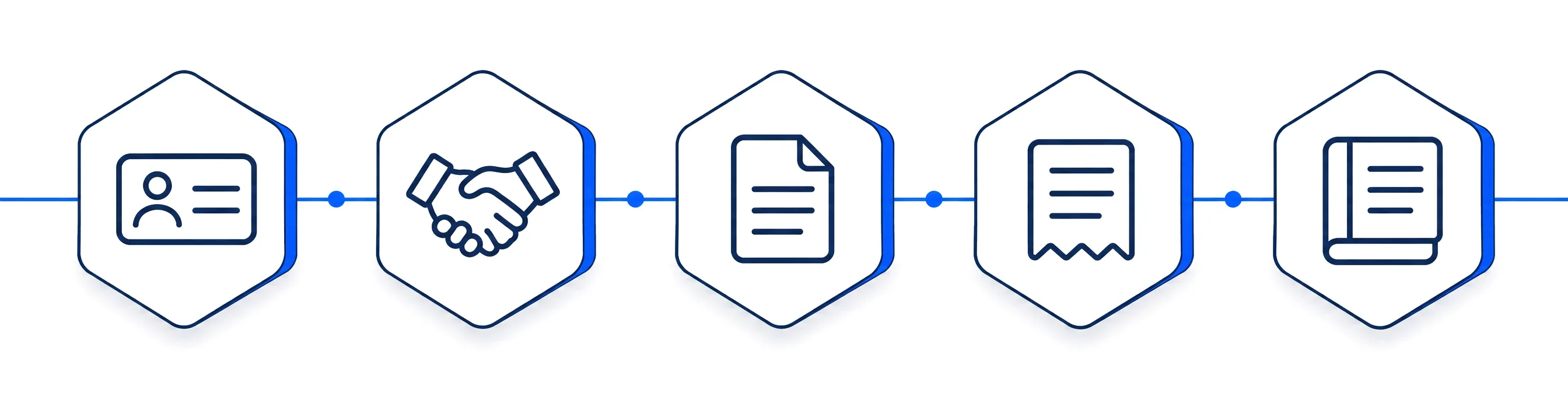
- ContactA company and a person
- DealOn your pipeline
Every deal shows its invoices, and every company shows its invoices and statements.
- QuotePriced from the catalogue
Invoices come from accepted quotes, and recurring quote lines set up the billing schedule by themselves.
- InvoiceFrom the accepted quote
- StatementWhat is still owed
myS1 Invoicing This page
The invoice comes from the quote the customer accepted
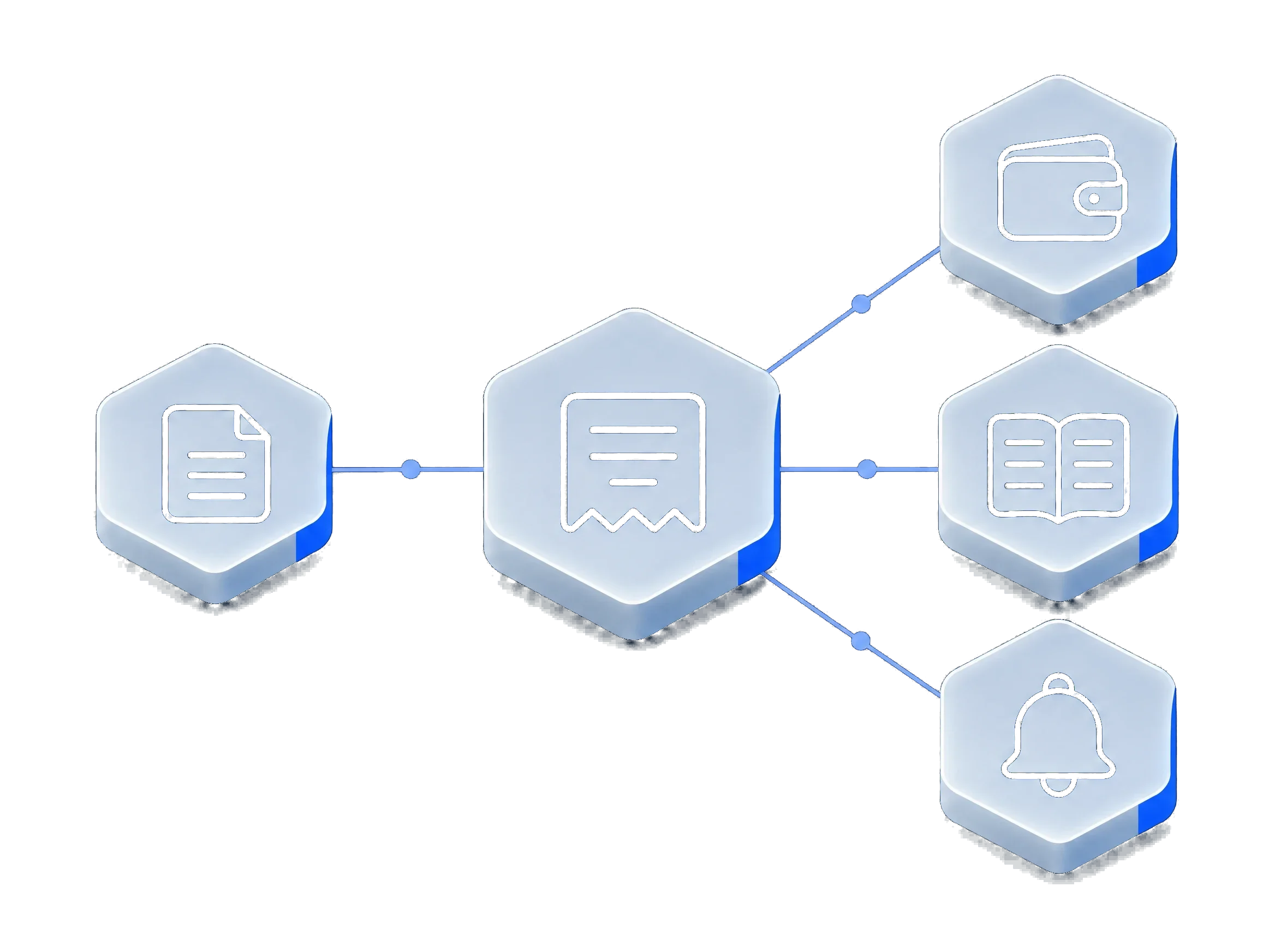
The gap between a customer saying yes and you being paid is where money goes missing: retyped figures, a forgotten deposit, an invoice nobody chased. myS1 Invoicing closes that gap. You raise the invoice from what the customer accepted, as the full amount, a deposit, a part or the balance, and myS1 keeps the total inside what was agreed.
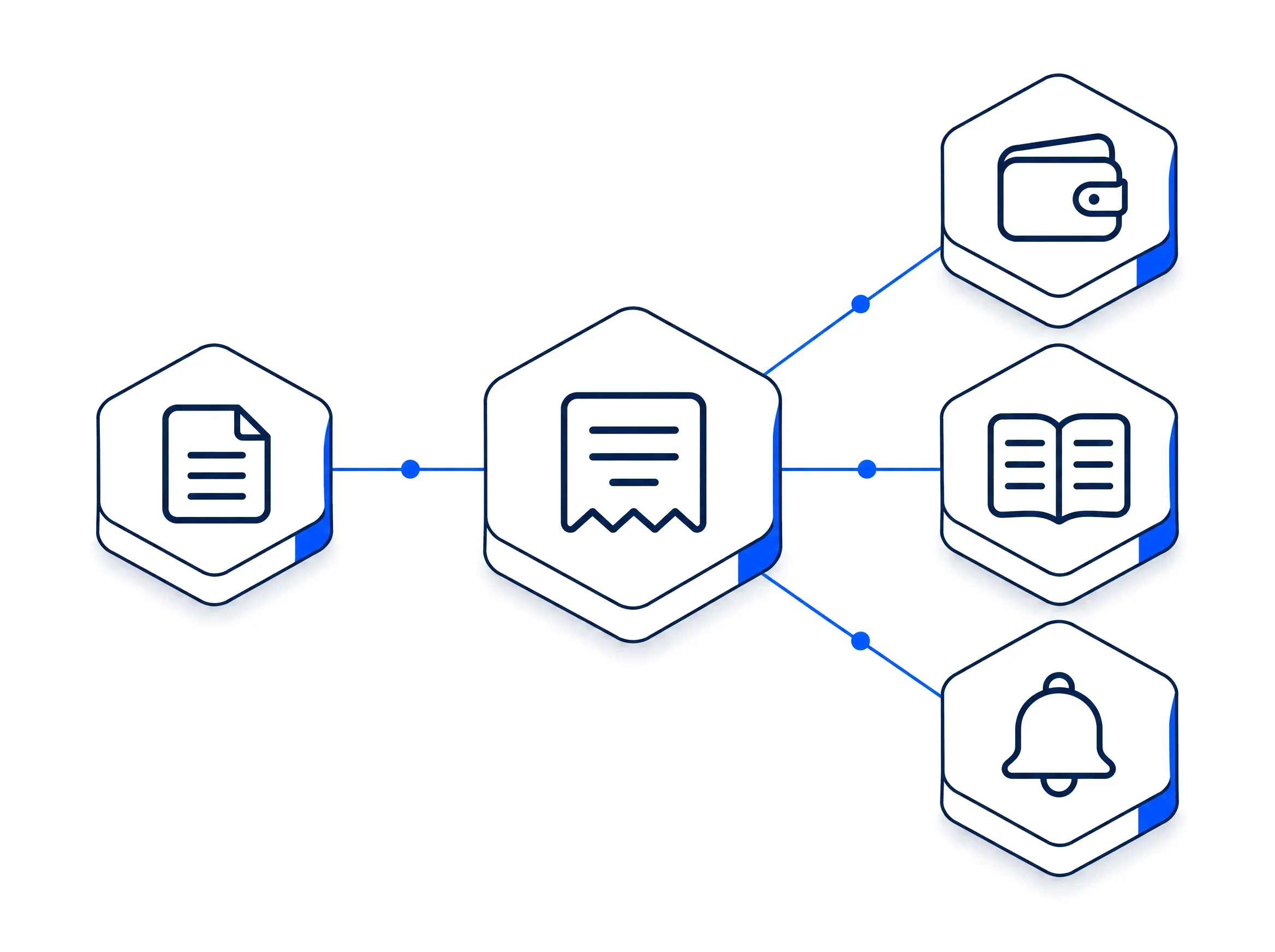
Issued invoices are numbered from your series and frozen as tax invoices. Payments are recorded against them as they arrive, one payment can be split across several invoices, and a statement shows every customer what they owe and how old it is.
For work that repeats, the recurring lines on the quote become a billing schedule, and reminders chase overdue invoices on the schedule you choose, so nobody has to remember to.
What myS1 Invoicing does
- From yes to invoice with nothing retyped
- Raise the invoice from the accepted quote. Bill in full, as a deposit, in parts or for the balance, and myS1 never lets you bill more than the customer agreed to.
- Tax invoices that stand up
- Issued invoices are numbered from your own series and frozen as tax invoices with a PDF, carrying South African VAT in full or abridged form.
- Invoices that look like your business
- Your logo, colours, legal details and banking details are set up once in the Branding Engine and pulled into every invoice, credit note and statement.
- Credit notes that cannot go wrong
- Credit an issued invoice in a few clicks, capped at what is left to credit.
- Always know who has paid
- Record a payment by EFT, card, cash or another method, split one payment across several invoices, and see what is outstanding at a glance.
- Statements your customers understand
- Each statement shows opening and closing balances with ageing, as a PDF you can email.
- Recurring billing that runs itself
- Monthly, quarterly or annual lines on a quote become scheduled invoices, raised on time, every time.
- Chasing that does itself
- Reminders go out on the schedule you set, before and after the due date, and keep going until the invoice is paid.
- Your accountant gets what they need
- Export a period's invoices, credit notes and payments as CSV in a generic, Xero or QuickBooks layout.
Make myS1 Invoicing work the way you do
Your billing follows your rules: your numbers, your terms and your reminder schedule, set once in the settings.
- Your own numbering
- Choose the prefix for your invoices and credit notes and how many digits each number has.
- Your own terms
- Set your payment terms and whether you issue full or abridged tax invoices.
- Your own reminder schedule
- Line up a series of reminders before, on and after the due date, then a repeat every week or every month until the invoice is paid.
- Your own templates
- Pick the invoice layout, switch banking details on or off, choose which of your bank accounts print, and write your own statement footer. Your branding comes from the Branding Engine.
- Your own recurring rules
- Decide whether a scheduled invoice is drafted for you to review, issued by itself, or issued and sent.
- Your own views
- Save the invoice lists you check every day, such as overdue, unpaid this month or one customer's history, and open each with a click.
- Your own fields
- Add the fields your invoices need for your own records.
- Your own access
- Decide who can issue an invoice, who can credit one, who records payments and who can export.
How myS1 Invoicing works with the rest of myS1
myS1 Quotes
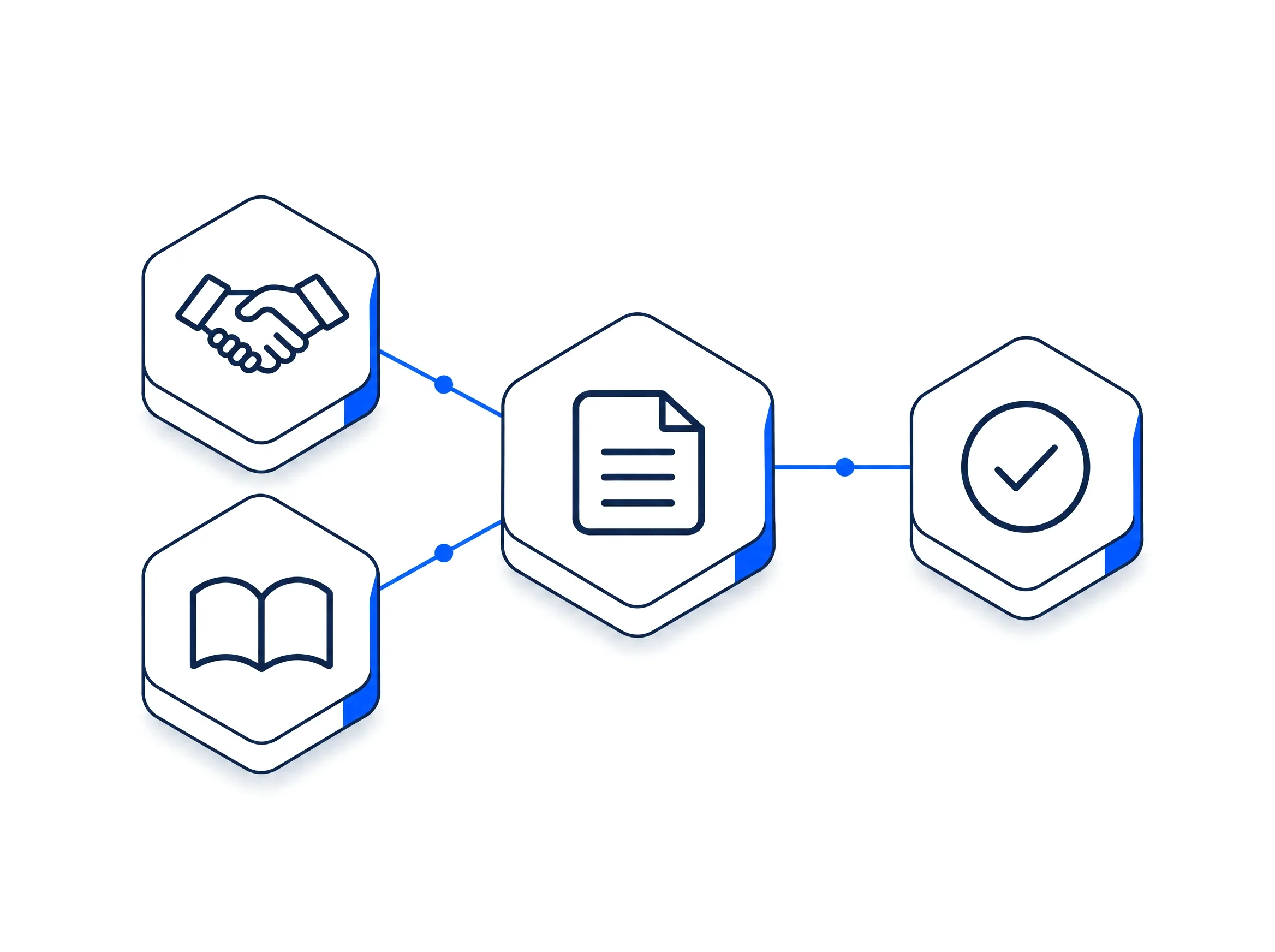
Invoices come from accepted quotes, and recurring quote lines set up the billing schedule by themselves.


myS1 CRM
Every deal shows its invoices, and every company shows its invoices and statements.
Explore the other modules in myS1
- myS1 CRMCompanies, contacts and deals
- myS1 CatalogueItems and dated price books
- myS1 QuotesAccepted online by link
- myS1 Email StudioCampaigns and journeys
- myS1 AutomationsWorkflows with approvals
- Ask OttoThe AI assistant in myS1
- Personas and dashboardsA home screen per role
- Every moduleAll of them on one page