Run your business.
All of it.

Customers, finances, people and everyday operations. Together in myS1, the business operating system built to help every part of your business work as one.

R0 to R319 per user, per month, including VAT. Trial a paid plan with no card.

myS1
The business operating system.
Available today
CRM, quotes, invoicing, email, automations and Ask Otto
Price
R0 to R319 per user, per month, including VAT
Free trial
Trial a paid plan with no card

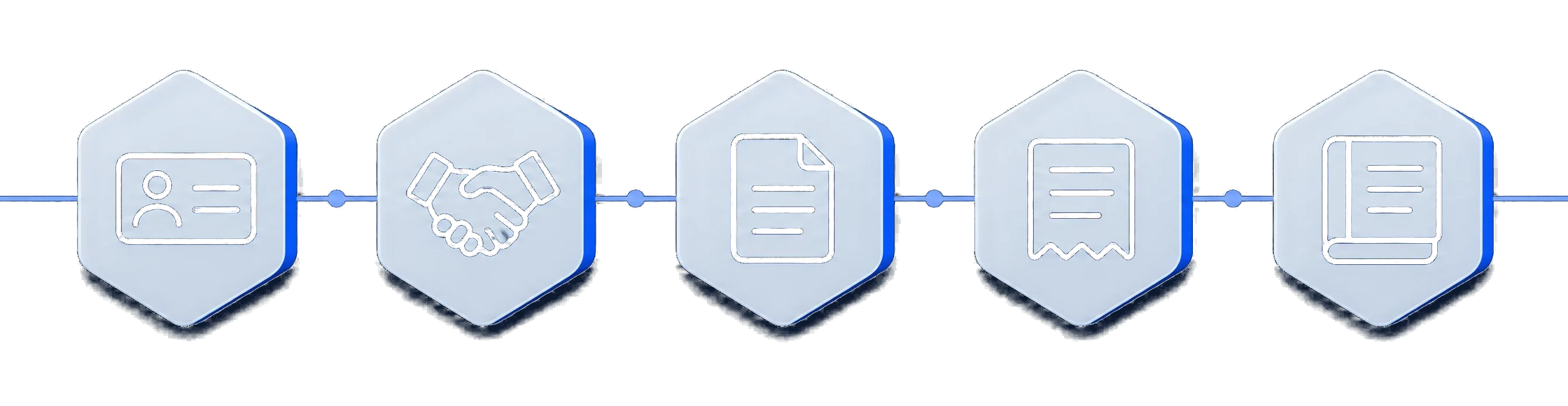
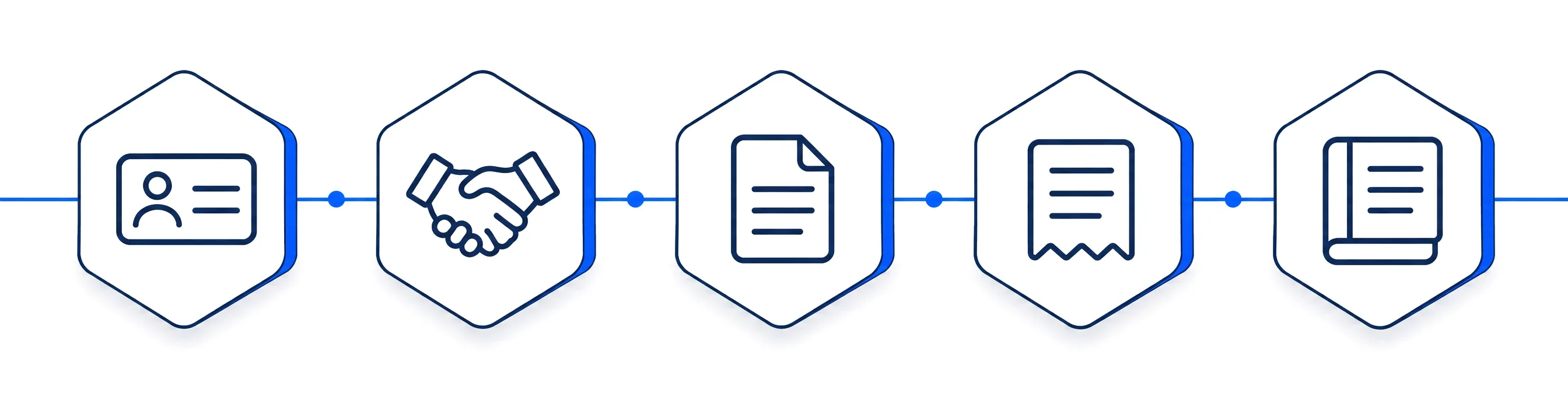
One record carries every sale, from first contact to final statement

A contact becomes a deal, the deal becomes a quote, and the accepted quote becomes the invoice. Nobody retypes a thing, so nothing gets lost between sales and accounts.

  1. ContactA company and a person
  2. DealOn your pipeline
  3. QuotePriced from the catalogue
  4. InvoiceFrom the accepted quote
  5. StatementWhat is still owed

Know every customer's whole story before you pick up the phone

Every call, meeting, task and note lands on one timeline in myS1 CRM, so anyone on your team can carry on where a colleague left off.

  • See every deal on a board or in a table, across as many pipelines as you sell in.

  • Open My Day and the next step on every deal is already ranked for you.

  • Bring your companies, contacts and deals in from CSV or Excel, with a preview and an undo.

See myS1 CRM

Quote at the right price, and invoice exactly what was accepted

Build the quote from your catalogue, send it as a link and let the customer accept it online. The invoice is raised from exactly what they agreed to.

myS1 Catalogue

A price quoted in March still adds up the same in June, because published prices are never edited.

myS1 Quotes

A discount over your limit waits for sign-off before the quote can go out.

myS1 Invoicing

Bill in full, as a deposit, in parts or for the balance, and never more than the customer agreed to.

Let the routine work run itself, with a record of everything

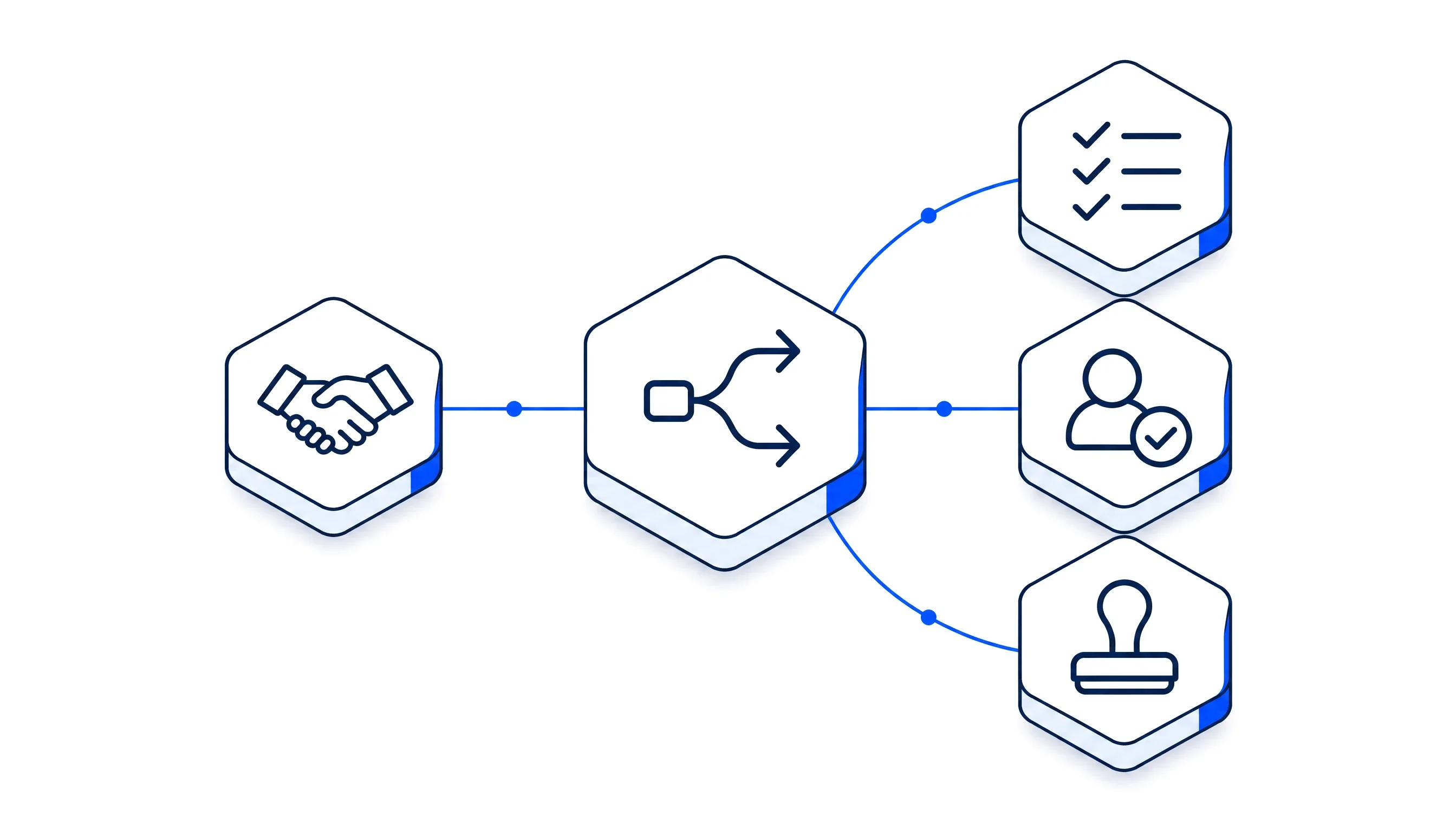
myS1 Automations pick up what happens and do the follow-up for you. Every change, by a person or by an automation, is written to one audit trail.

See myS1 Automations

The follow-up happens by itself

When a deal moves or an email bounces, an automation creates the task, assigns the owner, or waits for you to approve.
Every change is on record

Sign-ins, changes and exports are recorded with the person, the action, the record and the time. Each entry is hash-linked to the one before it.
Your vendors, brand, tax and commission, all on the same records

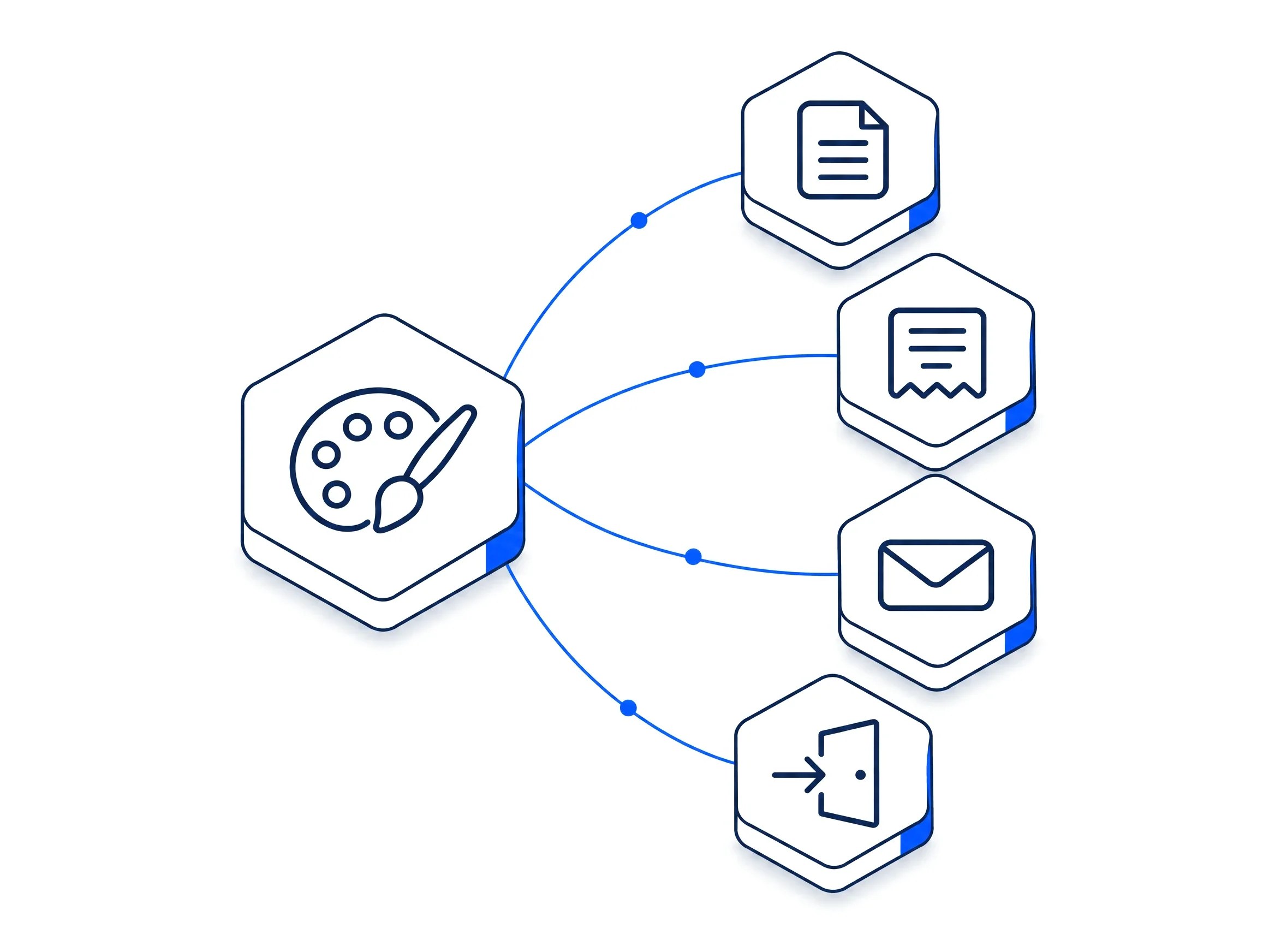
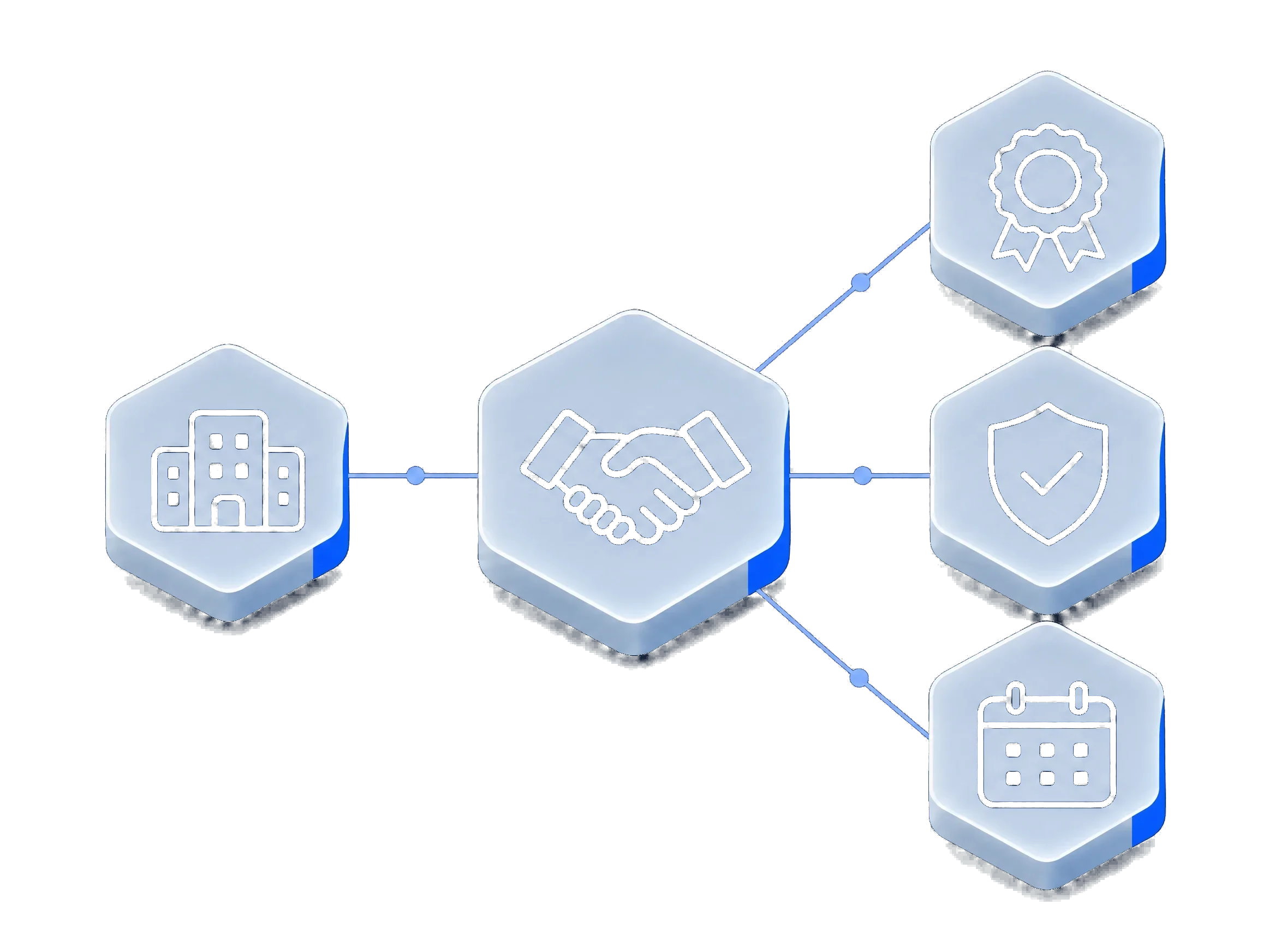
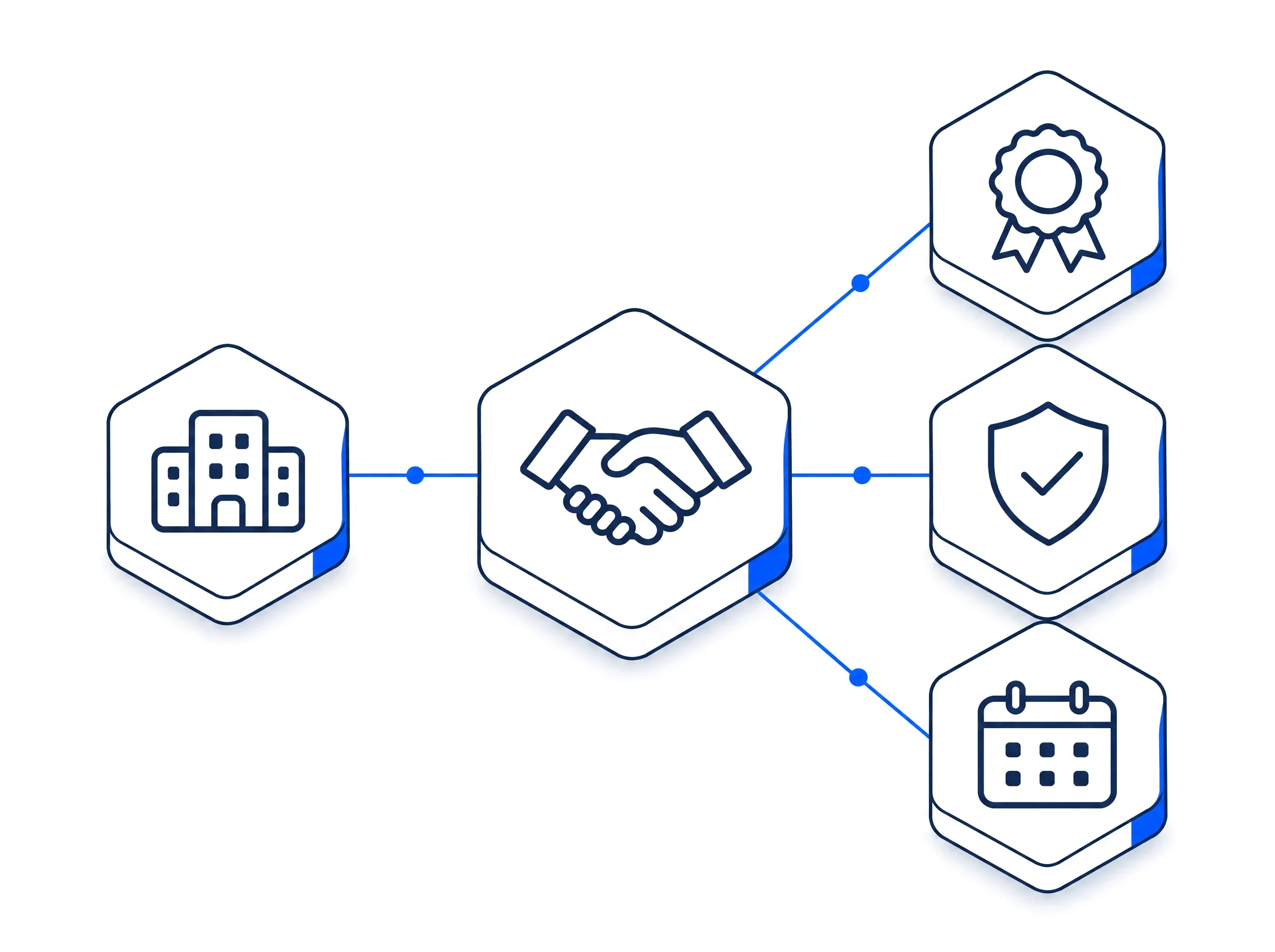
The parts that usually live in spreadsheets and side systems sit beside your sales in myS1: vendor programmes, branded documents, tax and banking, commission, your Outlook mailbox and the other systems you run.
See how each one works
  • Vendor Programs

    Every vendor programme, partner tier and deal registration, kept beside the deals they belong to.
  • Branding Engine

    Your logo, colours and company details on every quote, invoice, statement and email myS1 sends.
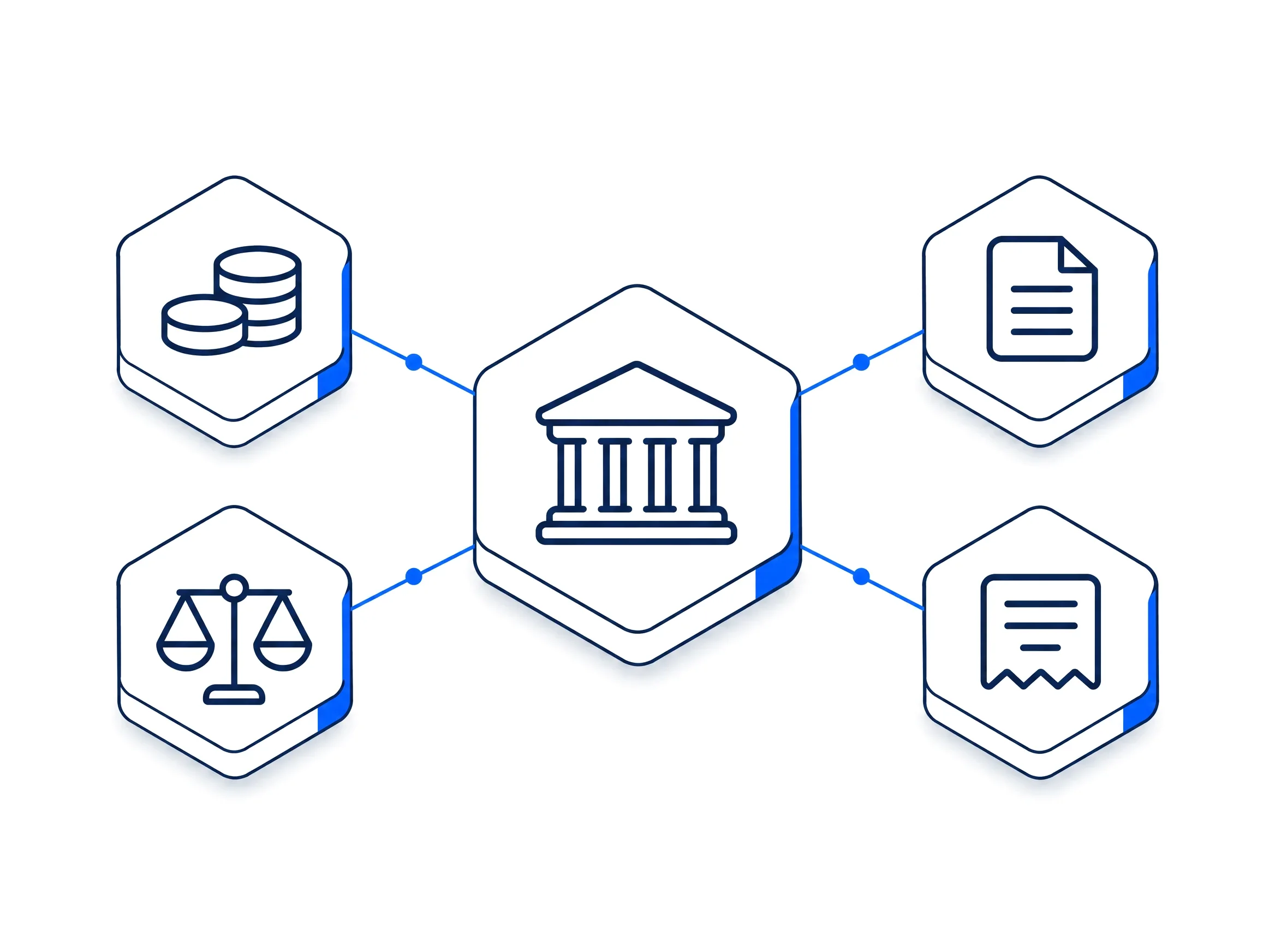
  • Tax and Banking

    VAT rules kept up to date centrally and your bank accounts managed in one place, so every document carries the right tax and the right banking details.
  • Commission Ledger

    Commission plans, splits and a running ledger of what each sale has earned, worked out from the invoices themselves.
  • Outlook Integration

    Email and meetings from Microsoft 365 land on the customer's timeline, so the record is complete without copying anything across.
  • API Integrations

    API tokens, webhooks and ready-made connections link myS1 to the other systems your business runs on.

Ask your business a question, and get the answer from your own records

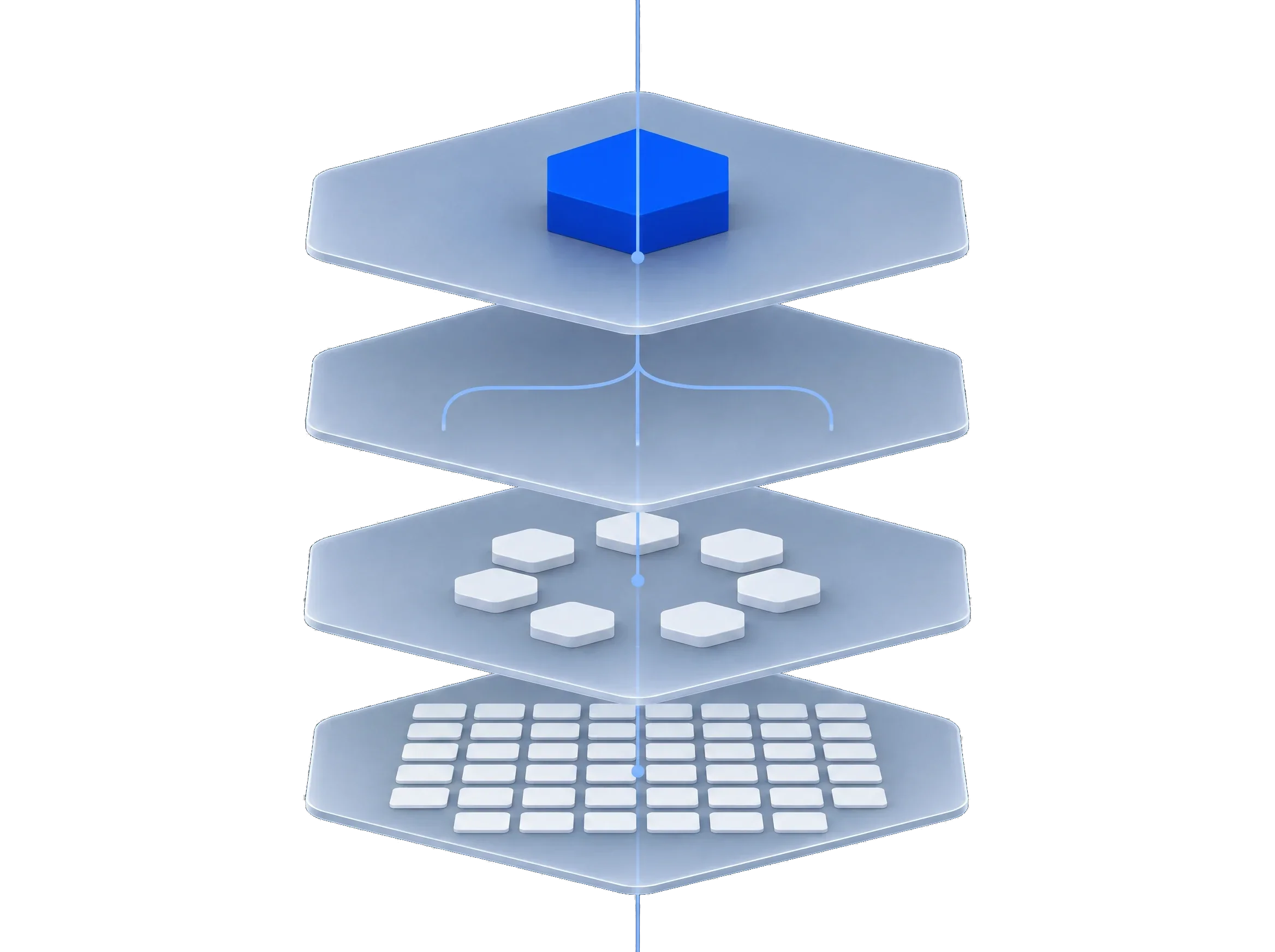
Ask Otto in plain language. It looks up your records to answer, and when it suggests a change, you decide whether it goes ahead.

  • Works with your access

    Otto works with the access of the person asking, inside your workspace only.

  • Masks identifiers on the way out

    Email addresses, phone numbers, ID numbers and card numbers in your question are masked before it leaves myS1, and put back when the answer returns.

  • Answers from your own records

    Otto looks up the records it needs, and our AI model provider processes them to write the answer.

  • Prepares, you approve

    Otto can draft a change for you, and you decide whether it goes ahead.
Read how Ask Otto works

Everyone opens myS1 to the work that is theirs

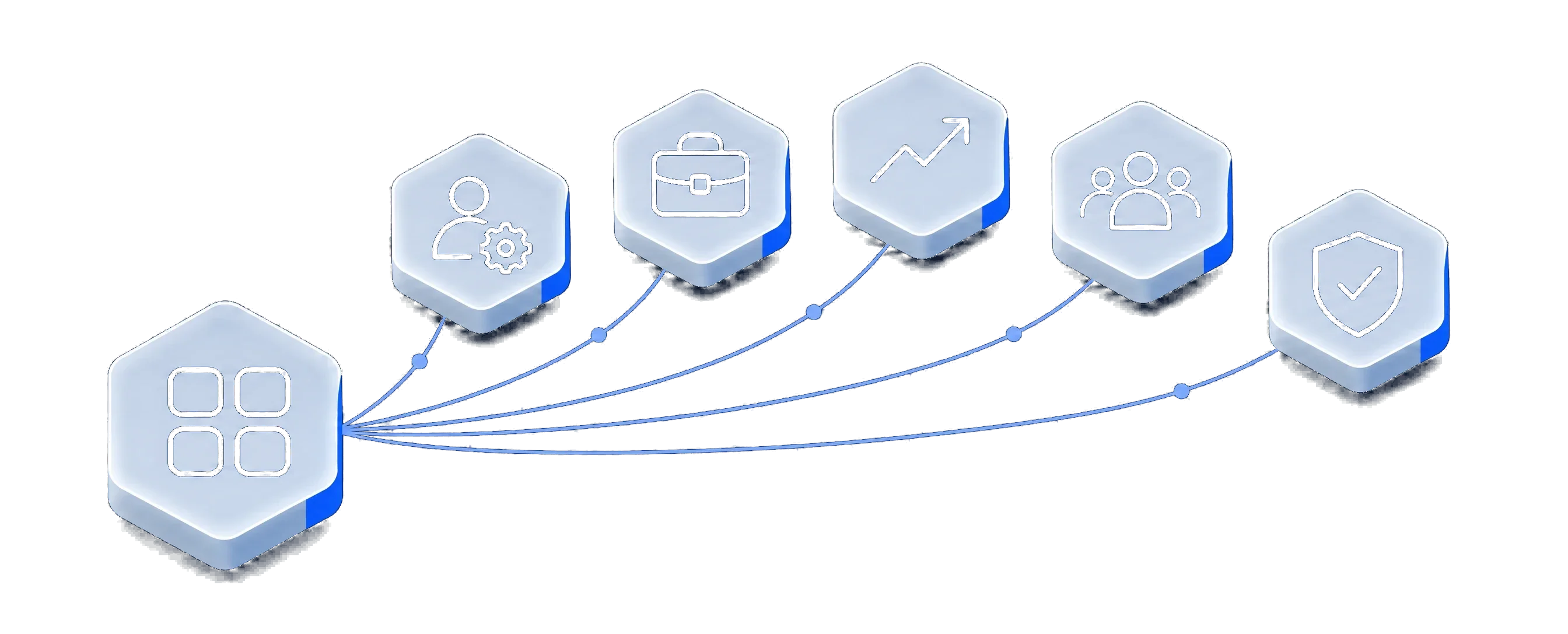
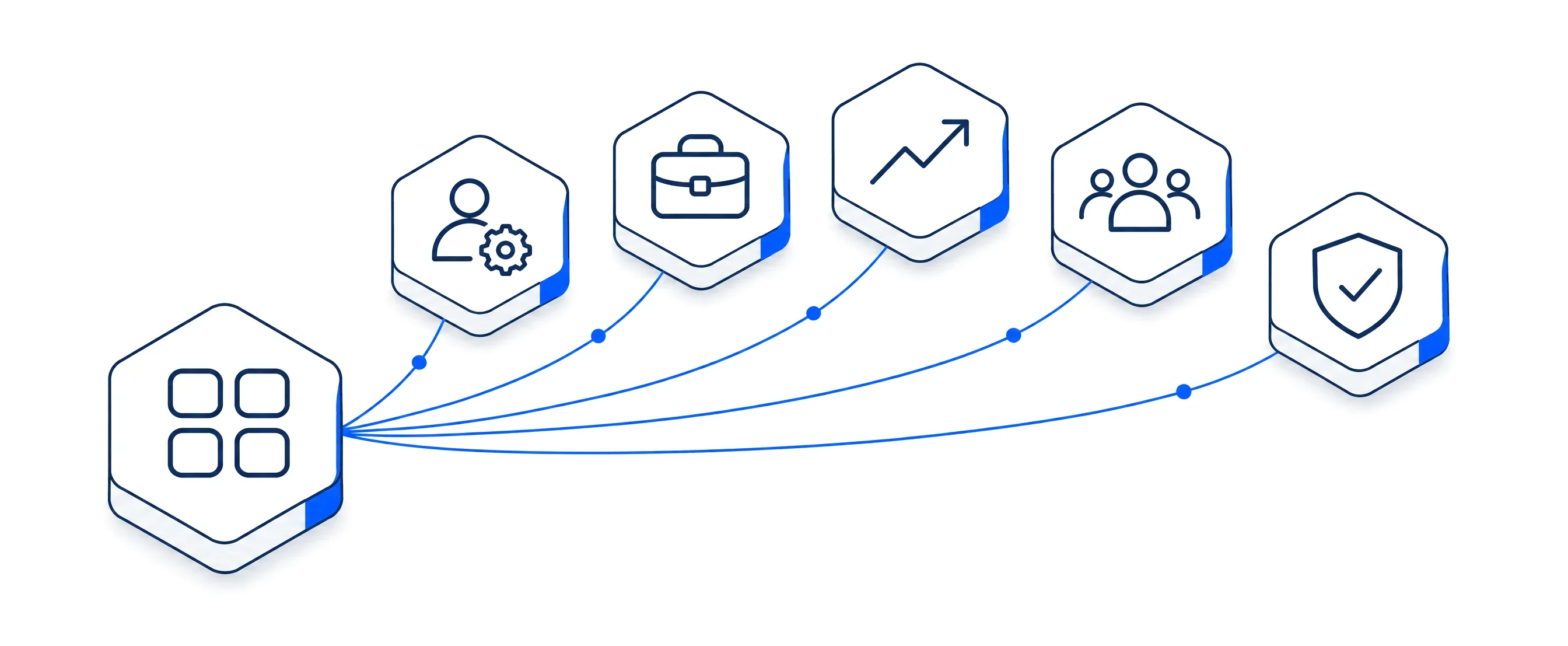
Each role gets its own dashboard, menu and guided tour, so nobody hunts for their work. Every workspace starts with ready-made home screens for common roles, and each is yours to change.
See personas and dashboards

Ready on day one. Give someone the sales role and they open myS1 to the sales home screen.

Built by dragging. Drag KPI cards, charts, tables and task queues onto a grid, then publish.

First view, not access. A persona decides what people see first. Access stays with roles and permissions.

Shape myS1 around your business, without a developer

No two businesses sell, quote or follow up the same way. In myS1 you add your own fields, save your own views and set your own rules in every module, from the settings, in minutes.

See what you can change in each module
Your own fields
Add the fields your business tracks and decide which are required, searchable or shown in the table.
Your own views
Save any search, filter and sort as a view, share it with your team, and set your own columns on every table.
Your own rules
What a deal needs before it moves on, which discounts need sign-off, when reminders go out: your policy, followed every time.
Your own layouts and templates
Redesign record pages by dragging, choose how your quotes, invoices and emails look, and set your brand once in the Branding Engine.
Your own home screens
Build a dashboard for each role from a library of widgets, with its own menu and guided tour.
Your own roles and access
Decide who sees and does what, down to cost, margin, banking and commercial detail.

Your data stays yours, kept apart from every other business

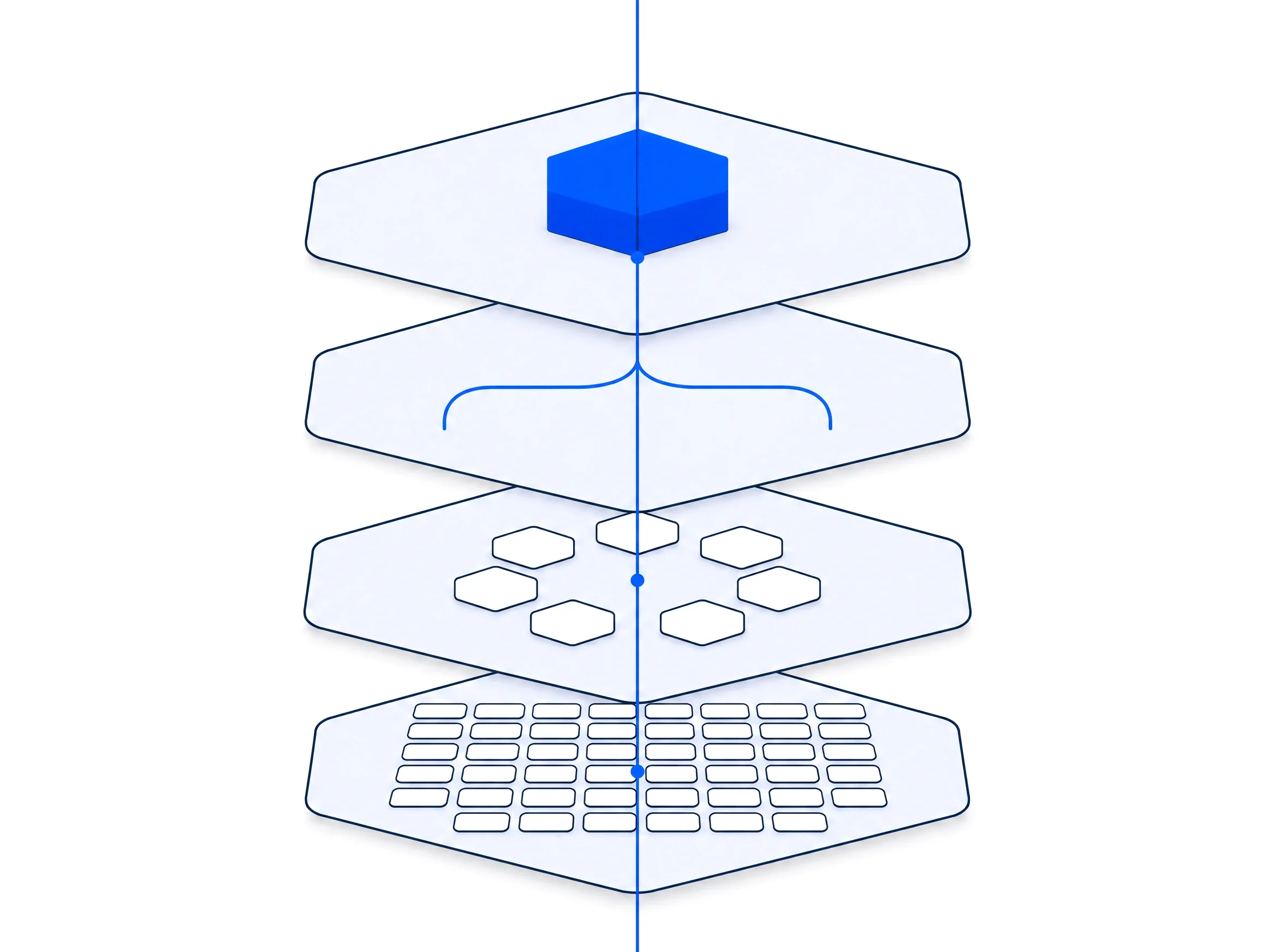
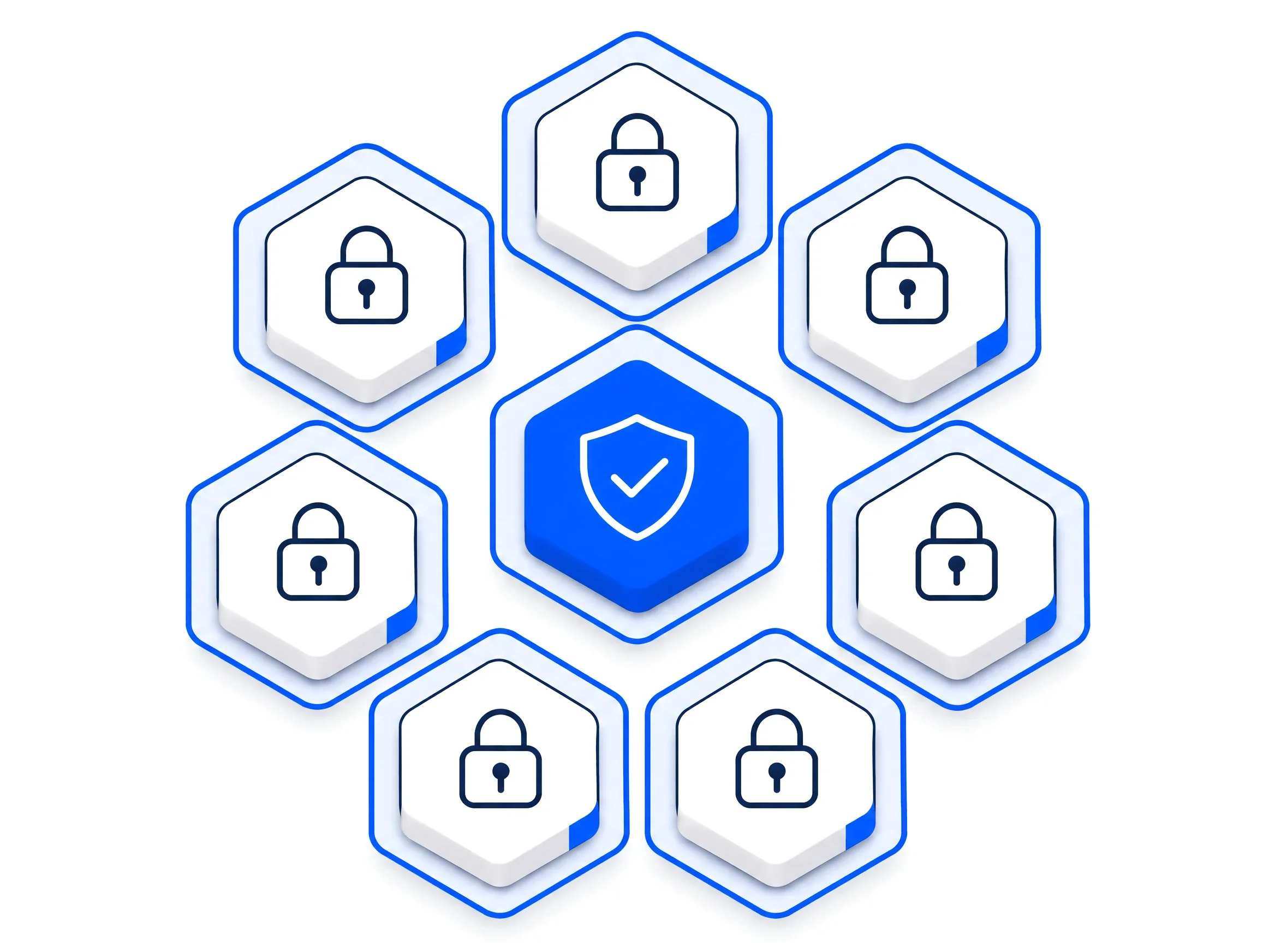
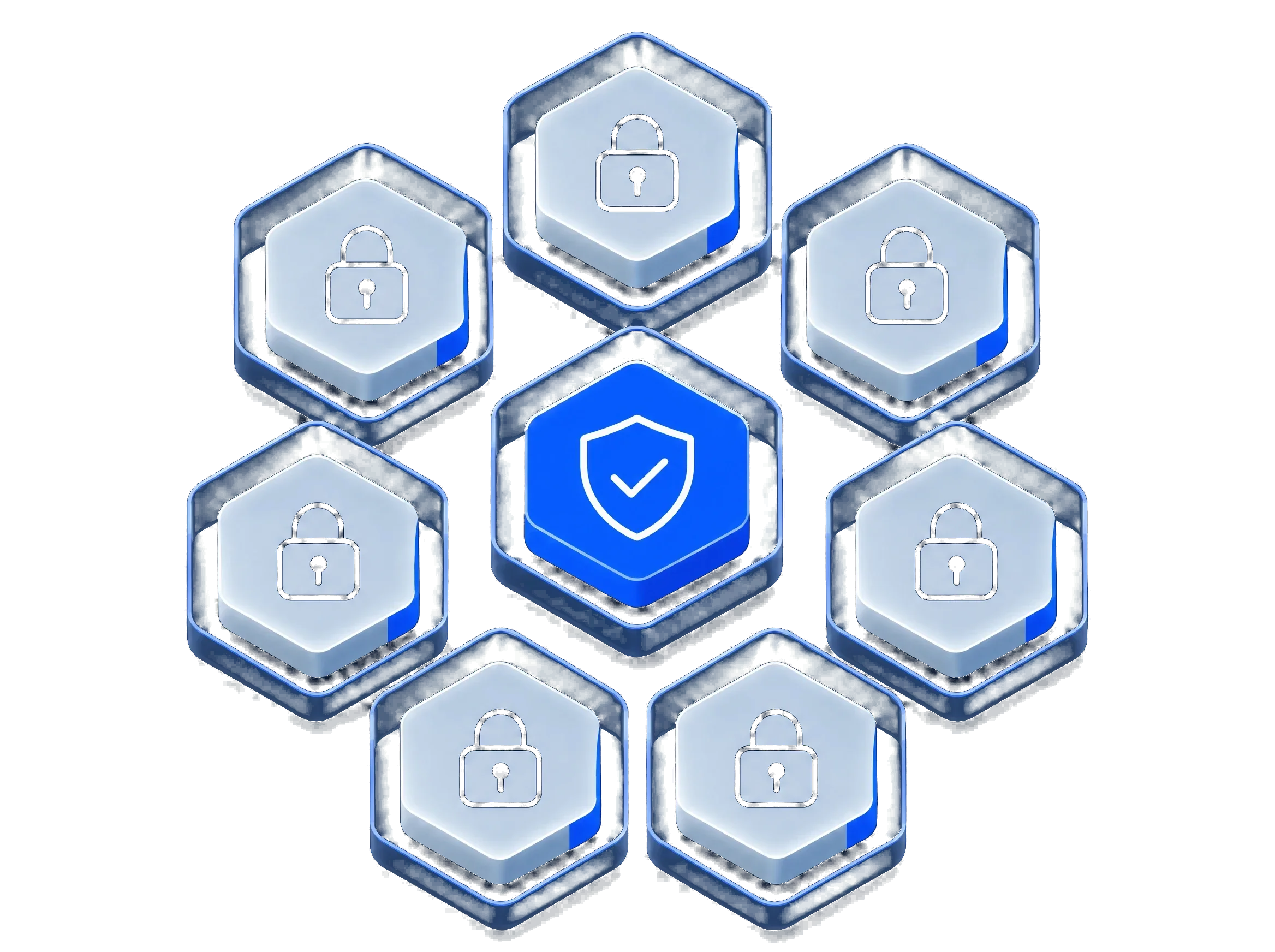
Your records are separated from every other customer's inside the database itself, and the application connects with an account that cannot bypass that rule.

  • Sign-in

    Authenticator apps, passkeys and one-time codes by email. An admin can require a second factor for everyone.

  • On record

    Every sign-in, change and export is written to an audit trail that shows who did what, and when.

  • Data-subject requests

    Your privacy officer logs, assigns and tracks each request, with a due date so none is missed.
Read about security and POPIA

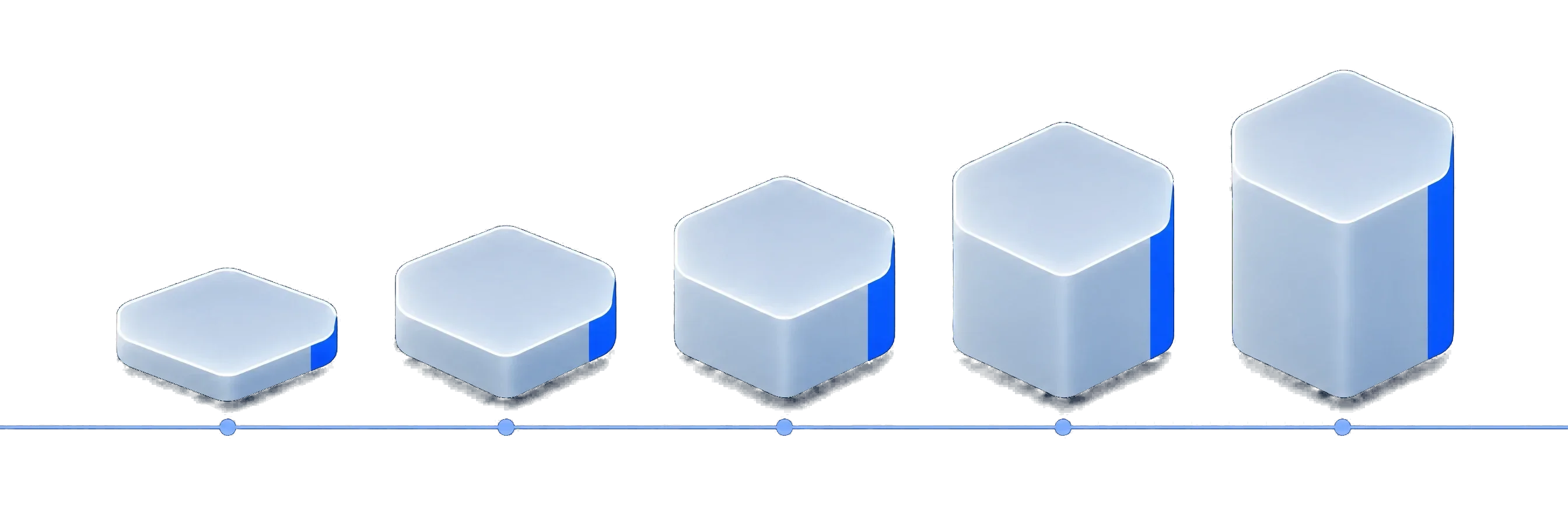
Start free, and pay per user as your team grows

Priced per user, per month, in rand. The prices you see include VAT.
See pricing
  1. FreeR0
  2. FoundationR139
  3. GrowthR179
  4. ScaleR259
  5. EnterpriseR319
Start free trial

Free is R0 per user. You can trial a paid plan with no card.

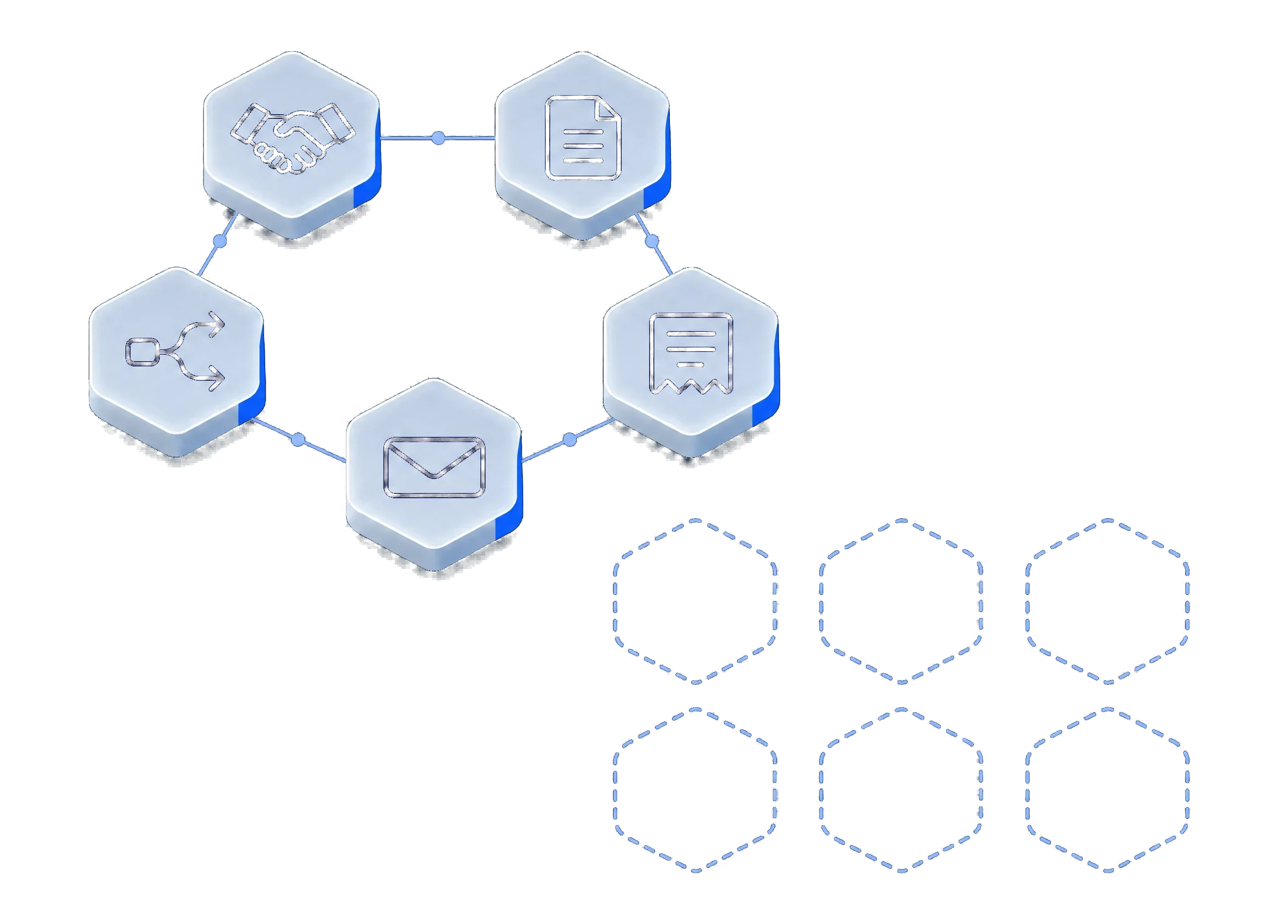
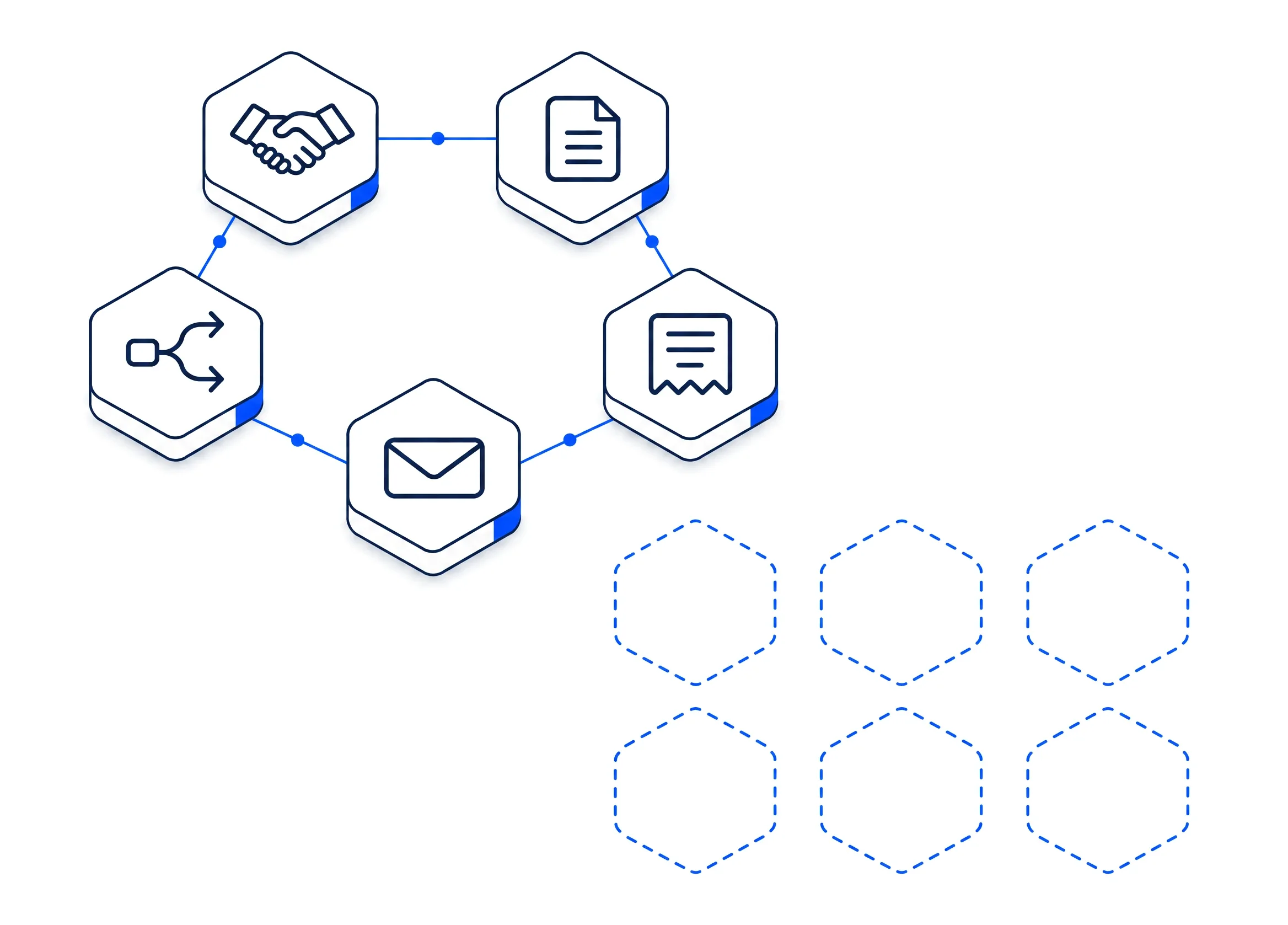
Coming next: people, payroll, time and attendance, and more

myS1 is built to grow. Each new module arrives on the same records, with the roles, reporting, dashboards and API that are already there. These are next, and are not available yet. Everything else on this page is in myS1 today.
People
HR records, leave and timesheets, so the people side of the business sits beside customers and finances.
Payroll
Paying your team from the same system that holds their records.
Recruiting
Hiring into the business, connected to the people records that follow.
Payments
Taking payment against the invoices you issue from myS1.
Time and attendance
Clock-ins, shifts and hours worked, feeding straight into leave, timesheets and payroll.
Access control
Who may enter which site or door, and when, managed from the same people records and roles.

Questions about myS1, answered plainly

Another question about myS1? Write to info@mysolutions.co.za.

What is myS1?
myS1 is a business operating system from mySolutions. Today it brings your CRM, catalogue and price books, quotes, invoicing, email marketing, automations and an AI assistant into one connected platform.
How do the parts work together?
They share the same records. A quote is built on a CRM deal from catalogue prices. An accepted quote becomes an invoice. Automations react to what happens in any of them, and one audit trail covers all of it.
Can we change myS1 to fit the way we work?
Yes, and you do it yourselves, from the settings. Add your own fields, save your own views, set your own pipelines, stages and rules, choose your document templates and build a home screen for each role. No developer is needed.
Can I bring my existing data in?
Yes. Import companies, contacts, deals and activities from CSV or Excel with column mapping, a preview, duplicate handling and undo. Catalogue items import from CSV.
How does Ask Otto keep my data safe?
Otto works inside your workspace, with the access of the person asking and nothing more. Email addresses, phone numbers, ID numbers and card numbers in your question are masked before it leaves myS1 and put back when the answer returns. The records needed to answer are processed by our AI model provider, and nothing in myS1 is changed until a person approves it.
How is my data kept separate from other customers?
In the database itself. Every query is filtered to your business there, and the application connects with an account that cannot bypass that rule.
Does myS1 do HR and payroll?
They are on the way. People, payroll, recruiting, payments, time and attendance and access control are being built to sit on the same records. Everything else described on this site is available today.